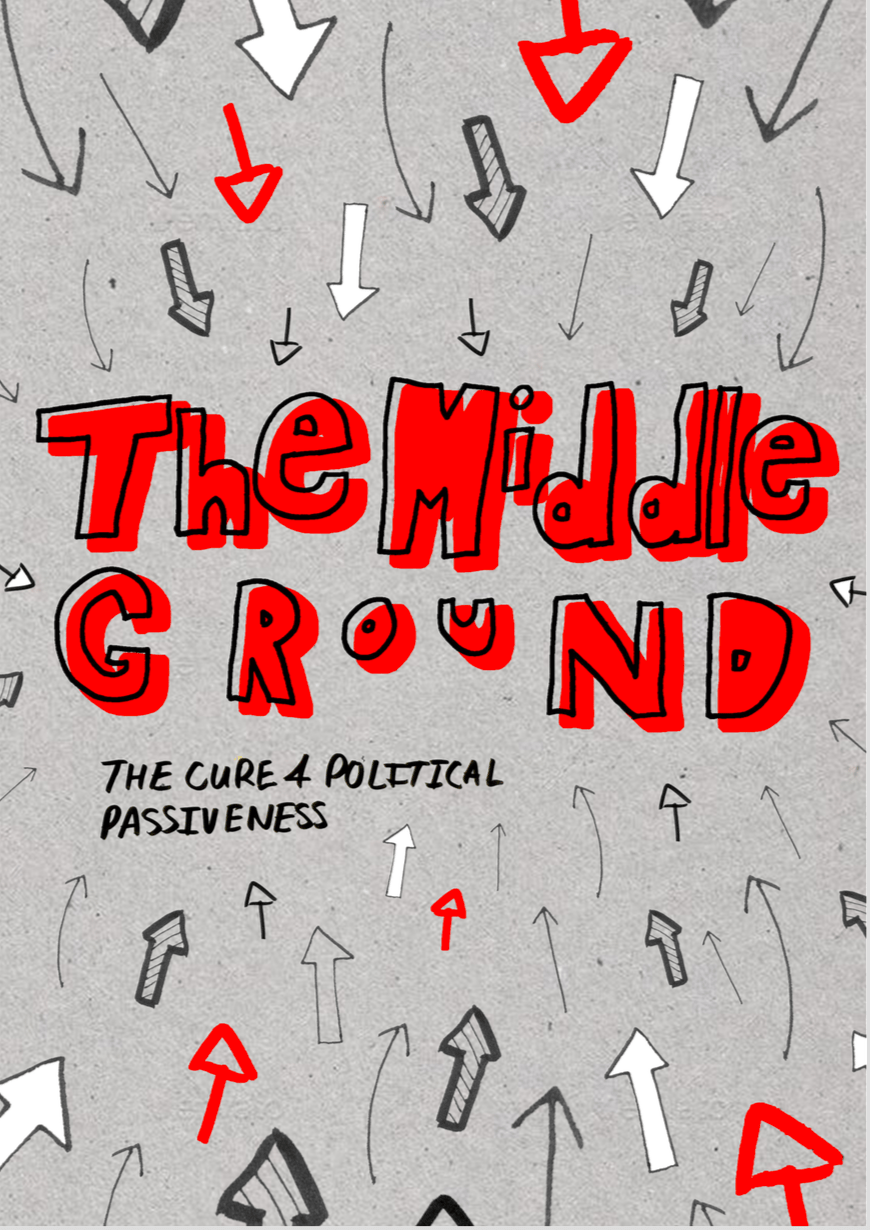
As I just finished creating my zine I thought I’d document some of the techniques I used throughout. The content of my zine included my photography, and the design was all drawn by hand aka the lyrics and graphics, which I scanned in and manipulated on Photoshop by adjusting the levels or hue/saturation, or using the magic wand tool etc to get rid of backgrounds. The title page for example was put together on Photoshop using these scanned in graphics. I’m pretty happy with how it turned out as it has more of a handmade feel than if I was to use solely computer generated graphics. I then used InDesign to piece it all together using tools like the Rectangular Frame tool, using the rulers to ensure it was all lined up before exporting it.
I plan to print my zine on a matte-ish paper rather than gloss to fit my aesthetic, and considering the zine is quite long (I took way too many photos) it will probably be on a thinner weight of paper, but I think that will suit the zine/hand-made theme quite well!
Overall I’m happy with how my zine turned out and I feel I’ve tried some new techniques that will be useful in my future projects!
 time to change